
OneFile Eportfolio3.34.20 - App Store
You'll be able to see results in few seconds.
Publisher Description
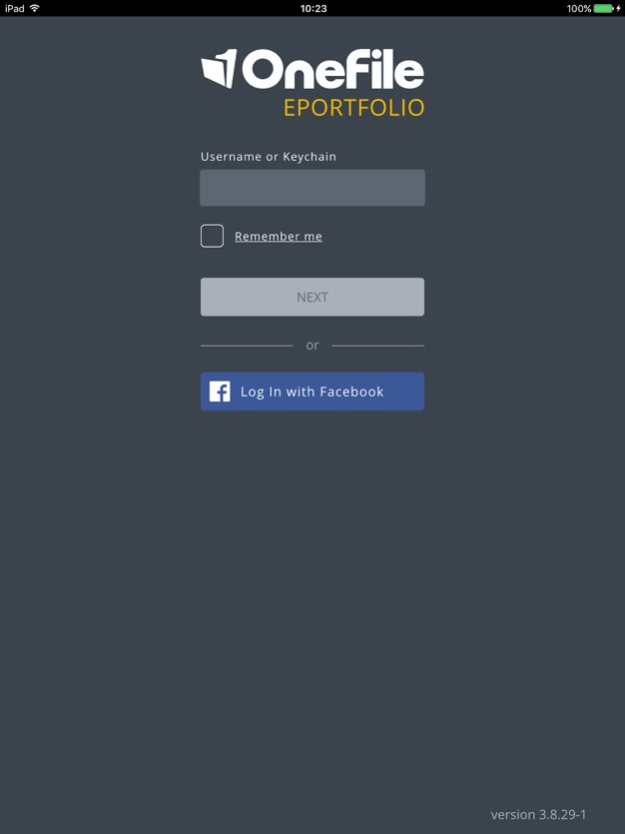
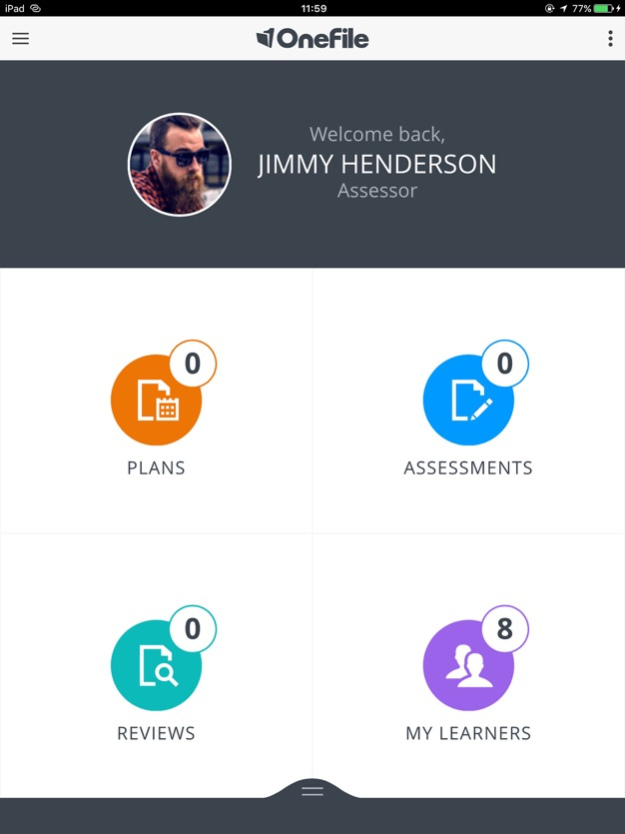
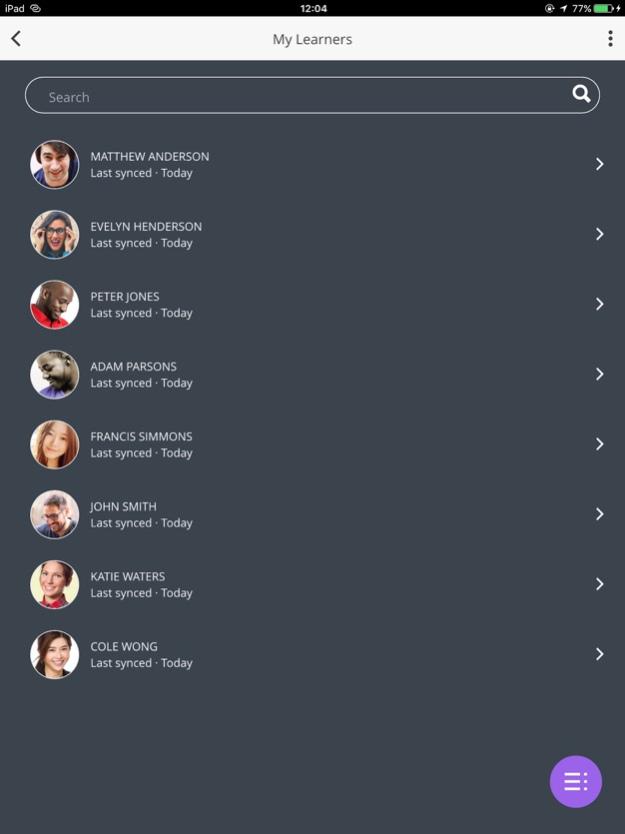
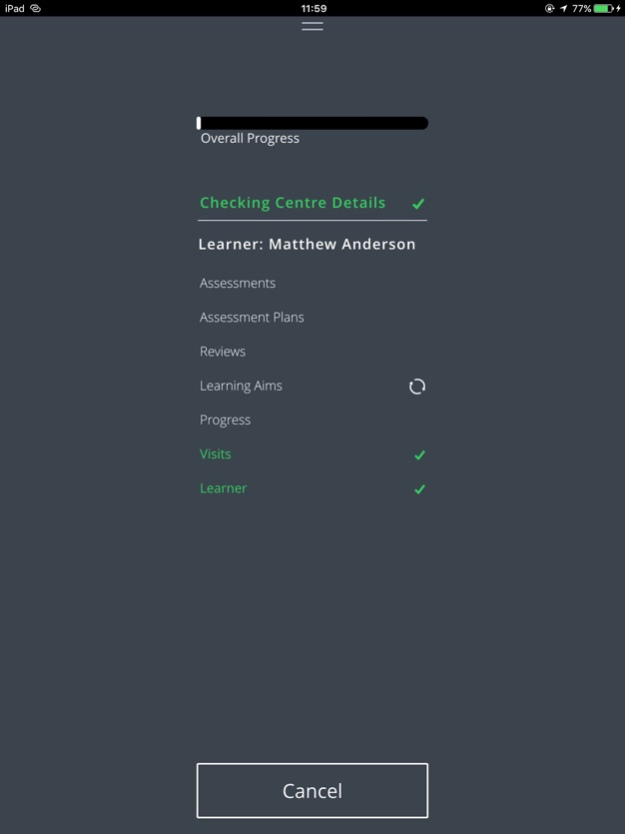
Got no Wi-Fi? Working in a remote location?
The OneFile Eportfolio offline app is the answer.
You can collect evidence, complete assessments, create plans and conduct reviews offline – any time, anywhere, on any device. Then when you're connected to the internet again, you can sync your work back to your online account and continue to use OneFile as normal. It's simple, quick and convenient.
Please note, you must be a registered OneFile learner or assessor to log in.
Feb 12, 2021
Version 3.34.20
Fixed issue causing Assessments to show ‘not started’ when uploaded to the web.
Other performance issues.
About OneFile Eportfolio
The company that develops OneFile Eportfolio is OneFile Ltd. The latest version released by its developer is 3.34.20.
To install OneFile Eportfolio on your iOS device, just click the green Continue To App button above to start the installation process. The app is listed on our website since 2021-02-12 and was downloaded 0 times. We have already checked if the download link is safe, however for your own protection we recommend that you scan the downloaded app with your antivirus. Your antivirus may detect the OneFile Eportfolio as malware if the download link is broken.
How to install OneFile Eportfolio on your iOS device:
- Click on the Continue To App button on our website. This will redirect you to the App Store.
- Once the OneFile Eportfolio is shown in the iTunes listing of your iOS device, you can start its download and installation. Tap on the GET button to the right of the app to start downloading it.
- If you are not logged-in the iOS appstore app, you'll be prompted for your your Apple ID and/or password.
- After OneFile Eportfolio is downloaded, you'll see an INSTALL button to the right. Tap on it to start the actual installation of the iOS app.
- Once installation is finished you can tap on the OPEN button to start it. Its icon will also be added to your device home screen.
Program Details
System requirements
Download information
Pricing
Version History
version 3.34.20
posted on 2021-02-12
Feb 12, 2021 Version 3.34.20
Fixed issue causing Assessments to show ‘not started’ when uploaded to the web.
Other performance issues.
version 3.34.19
posted on 2020-12-21
Dec 21, 2020 Version 3.34.19
A number of bugs have been fixed.
version 3.34.15
posted on 2020-07-13
13 Jul 2020 Version 3.34.15
Microsoft log in
version 3.34.15
posted on 2020-07-13
Jul 13, 2020 Version 3.34.15
Microsoft log in
version 3.34.14
posted on 2020-04-21
Apr 21, 2020 Version 3.34.14
Issues with the audio recorder crashing have been resolved.
version 3.34.13
posted on 2020-02-05
5. Feb. 2020 Version 3.34.13
The issue which caused the app to crash if you change the orientation of your device when recording evidence.
The bug which prevented assessments being synced if your centre has secondary assessment methods enabled.
The problem where users were receiving the error “Failed to update field data record” when uploading reviews with custom data fields.
The issue that saw users receiving the error “invalid employer id” when uploading reviews when a default employer signature is required.
The issue which prevented overall progress fields on the unit progress table within reviews appearing.
The problem where sections within custom data forms were incorrectly being treated as mandatory fields.
The issue were units were appearing duplicated within reviews.
version 3.34.13
posted on 2020-02-05
Feb 5, 2020 Version 3.34.13
The issue which caused the app to crash if you change the orientation of your device when recording evidence.
The bug which prevented assessments being synced if your centre has secondary assessment methods enabled.
The problem where users were receiving the error “Failed to update field data record” when uploading reviews with custom data fields.
The issue that saw users receiving the error “invalid employer id” when uploading reviews when a default employer signature is required.
The issue which prevented overall progress fields on the unit progress table within reviews appearing.
The problem where sections within custom data forms were incorrectly being treated as mandatory fields.
The issue were units were appearing duplicated within reviews.
version 3.1.1
posted on 2016-12-08
version 3.34.20
posted on 1970-01-01
2021年2月12日 Version 3.34.20
Fixed issue causing Assessments to show ‘not started’ when uploaded to the web.
Other performance issues.
version 3.34.15
posted on 1970-01-01
2020年7月13日 Version 3.34.15
Microsoft log in
Disclaimer
Official App Store Link
We do not host OneFile Eportfolio on our servers. We did not scan it for viruses, adware, spyware or other type of malware. This app is hosted by Apple and passed their terms and conditions to be listed there. We recommend caution when installing it.
The App Store link for OneFile Eportfolio is provided to you by apps112.com without any warranties, representations or guarantees of any kind, so access it at your own risk.
If you have questions regarding this particular app contact the publisher directly. For questions about the functionalities of apps112.com contact us.
